
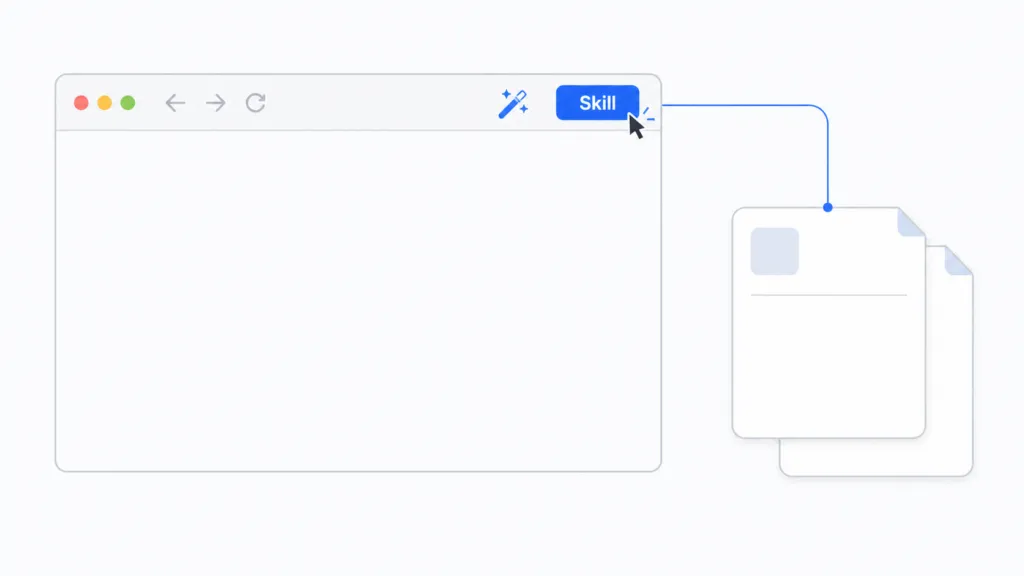
Google just added skills to Chrome, putting reusable AI prompts one click away in the browser. A skill is plain text that explains to an AI how to do a specific task. You write it once, then run it with a click whenever you need that task done. The Chrome release confirms a shift that’s been building for a while now: knowing how to articulate a process is becoming more valuable than knowing how to execute it. At TJ Digital, we’ve built and refined more than a hundred skills for our agency operations, and they’ve quietly become our most important business asset.
Table of Contents
ToggleWhat Is an AI Skill?
In its most basic form, a skill is just text explaining how to do a specific task. There’s nothing technical about it. If you’ve ever written a prompt before, you’ve already done 90% of the work.
The idea came from Anthropic, the company behind Claude. Today all the major models (Claude, ChatGPT, Gemini) support skills in some form, but Claude is still the best place to build them. The format is native to Claude, and the tooling for skill creation and refinement is more mature there than anywhere else.
Most skills cover one narrow task. The smaller the scope, the better. Even for a narrow task, the instruction file (called a SKILL.md) might run 300 lines of text. Some skills also include reference files, which are additional markdown files that hold examples or guidelines. You don’t need to memorize the structure though. Just tell Claude to create a skill, and it will handle the structure for you.
@tjrobertson52 Knowing HOW to do something matters less than knowing how to EXPLAIN it. Google just confirmed where this is all heading. #AISkills #GoogleChrome #FutureOfWork #AI
♬ original sound – TJ Robertson – TJ Robertson
Why AI Skills Matter
When skills first launched, the obvious benefit was time savings. Save the skill once, reuse it forever, no need to retype the same prompt every time.
The bigger benefit takes longer to notice. Skills let AI do things we didn’t think would be possible for another year or two. If you can clearly articulate every step and every decision in a process, you’ll find there isn’t much an AI can’t do with that guidance.
This is why articulation is becoming more valuable than execution. How clearly you can describe your work is now the main thing limiting what AI can do for your business.
How to Build a Good AI Skill
The first version of any skill won’t be great. The real work is iteration.
Use the skill on real work, watch where it falls short, and have Claude incorporate that feedback back into the instruction file. Do this 10 to 20 times for any given skill, and you’ll be surprised how capable it becomes.
The pattern looks like this:
- Start narrow. Define one specific task.
- Run the skill on real work, not test cases.
- Note where it failed or produced something you didn’t want.
- Update the skill with that fix.
- Repeat.
Anthropic calls this “evaluation-driven development” in their skill authoring documentation, and it lines up with what we’ve seen building skills internally. The skills that get used dozens of times a week in our agency are not the ones that came out of the gate looking polished. They’re the ones we kept correcting.
What Are Orchestrator Skills?
Once you have a couple dozen narrowly defined skills, the next layer opens up. You can build orchestrator skills that string the narrow ones together into a more complex task.
For example, we use orchestrators that handle multi-step processes like processing a client call transcript: extracting tasks, updating the brand knowledge base, drafting follow-up emails, and creating Notion entries. Each individual step is its own skill. The orchestrator just decides when to call each one and what to pass between them.
This is what knowledge work is starting to look like. Specialized skills coordinated by orchestrators that handle the full workflow.
How Chrome Skills Work
The new release lets you import skills directly into Chrome, where Gemini will run them with a click. Google has its own library of pre-built skills you can grab from chrome://skills/browse, and you can write your own.
To use one, open the Gemini side panel, type a forward slash, and pick the skill from the list. Chrome runs the skill on the current tab and any other tabs you have selected, which is genuinely useful for things like comparing prices across product pages or summarizing a stack of articles in one pass.
Here’s how Chrome Skills compare to building skills in Claude:
| Feature | Claude Skills | Chrome Skills |
| Where they run | Claude (web, desktop, Code) | Chrome browser |
| Best for | Complex, multi-step work | Quick in-browser tasks |
| Iteration tooling | Built-in skill-creator | None |
| Cross-tab execution | No | Yes |
| Branching and conditional logic | Yes | No |
| Cost | Free with Claude account | Free with Google account |
There is a catch. Gemini in Chrome isn’t especially capable right now. Google is heavily focused on cost efficiency, which means the model behaves a bit lazily compared to what you’d get from Claude or even Gemini in other contexts. I think Google is well positioned to win this whole thing in the long run, but the version of Gemini running in Chrome today is not the version that will get them there.
That said, anything you’ve been doing repeatedly in a browser is now a candidate for a skill. Even a lazy Gemini will save real time on simple, repeatable browser tasks.
Why the Chrome Release Matters
The interesting thing about Chrome adding skills is that every major AI product (Claude, ChatGPT, Gemini, and now Chrome itself) is converging on the same primitive. Skills are the way you teach an AI how to do your specific work, and they’re now showing up everywhere you’d expect to do that work.
If you were waiting for a sign before investing time in creating skills, this is it. AI progress is rarely easy to predict, but skills, when they’re built well, are going to be valuable for at least the next few years.
How to Start Building Skills
If you’re new to skills, start with one task you do repeatedly. Write out how you do it. Hand it to Claude and ask it to turn the description into a skill. Then run it on real work, fix what’s broken, and run it again.
Within a few weeks, you’ll have a small library of skills tailored to your work. Within a few months, you’ll be building orchestrators that string them together.
If you want help building a skill library for your business or your agency, get in touch with us. We’ve spent the past year systematizing operations through skills, and we can help you skip the parts we got wrong the first time.