
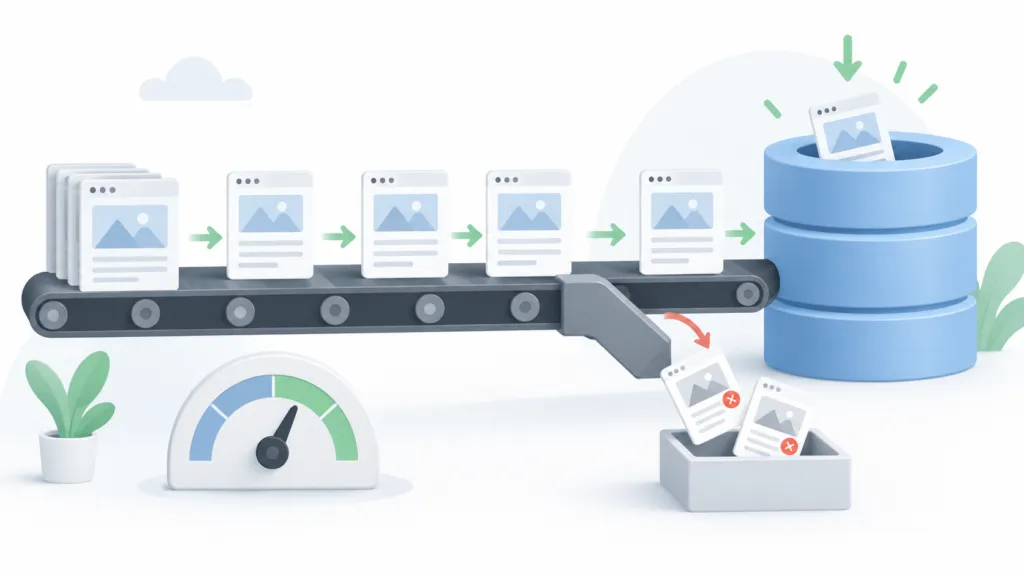
There’s no page-per-day limit in Google’s guidelines. For most websites, one strong page per week is a safe starting pace. About one page per day becomes reasonable once you have 50 or more pages already pulling in search traffic.
At TJ Digital we manage content for more than 40 client websites, and one number tells us whether to speed up or slow down. That number is the percentage of pages we built for search that Google actually indexes.
AI lets us create content incredibly fast. That doesn’t mean we should. Google has no interest in banning AI content, and more and more of the best content online is written with AI. What changed is how selective Google’s systems have become about which pages earn a spot in the index.
Table of Contents
ToggleHow Fast Can You Publish Without Creating a Quality Problem?
Google has never published a safe publishing threshold. No articles per week, no pages per day, no page count you have to hit before scaling.
Its scaled content abuse policy targets pages produced mainly to manipulate rankings while adding little value for users, and it applies no matter how those pages were made. Volume by itself is not the violation.
Google also says outright that generative AI can be useful for researching and structuring original content. The risk shows up when your production outruns your ability to add something original to each page.
Here’s the working framework we use with clients.
| Where your site is now | Safe publishing pace | What should be true before you go faster |
| Brand new or unproven | About 1 page per week | Your important pages are getting indexed, and nothing is technically blocking them |
| Starting to get traction | 2 to 3 pages per week | Recent batches keep getting indexed, and impressions are spreading past a handful of URLs |
| Established content site | Up to 1 page per day | Roughly 50+ pages already earning search traffic, with indexing holding steady |
| Large site with real demand | Several pages per day | New URLs get crawled within a day or two, pages stay differentiated, server stays healthy |
Google has never published any of those numbers. They’re our guardrails, and they exist to keep a young site from publishing 300 pages before it has any evidence its content model works.
@tjrobertson52 How fast is too fast to publish content on your website? This Search Console report tells you #SEO #GoogleSearchConsole #ContentStrategy #AIContent
♬ original sound – TJ Robertson – TJ Robertson
Why Is Google Refusing to Index My Pages?
Usually because Google’s systems have looked at your site as a whole and decided more of it isn’t worth indexing. Google’s search index is filling up with pages that exist to manipulate search results, and evaluating every page on the internet individually isn’t feasible. Reliably detecting AI writing wouldn’t help either, since programmatic SEO was producing low-value content at scale long before AI existed.
So the algorithm looks for patterns. It takes the data it has around content, page structure, user behavior and authority signals, then judges your pages and your site as a whole based on how that data correlates with sites it already knows to be high quality or low quality. It’s the most sophisticated search algorithm in the world, and it’s still far from perfect.
Google’s crawl documentation explains why established sites absorb so much more volume. Crawl demand varies with site size, update frequency, page quality and relevance. Google allocates crawling resources partly based on popularity, user value, content uniqueness and your server’s capacity.
One more thing worth saying clearly. Plenty of URLs go unindexed with no penalty involved, and Google never guarantees that an eligible page will be crawled, indexed or served. A real penalty shows up in the Manual Actions report in Search Console. If that report is clean, stop calling this a penalty and start diagnosing.
How Do I Check What Google Thinks of My Website?
Open the Pages report inside Google Search Console. It shows which pages are in Google’s index, which are not, and why.
Start with how many of your site’s main pages are currently indexed. I say main pages on purpose. For plenty of websites it’s normal, and sometimes a good thing, to have lots of URLs that never get indexed.
An e-commerce site might have dynamic pages created by search filters. You may have canonicalized those to a main page or added a noindex tag. Don’t worry about them. Main pages means the pages you want showing up in Google for specific search terms.
This is why a sitewide indexing percentage is close to useless. If Search Console knows about 10,000 URLs and 3,000 are indexed, that looks like a disaster. If 4,000 of those URLs are filter and sort variants, 1,500 are redirects and 500 are utility pages you excluded on purpose, you have 4,000 real target pages and a 75% indexing rate.
The metric that matters is your target indexing rate. Take the canonical pages you want in search that are indexed, divide that by every canonical page you intentionally want indexed, and multiply by 100.
The cleanest way to get that denominator is an XML sitemap containing only the canonical URLs you want Google to process. Then compare batches instead of totals. Track the URLs you published before you accelerated against the ones you published after.
If each new batch is less likely to get indexed than the last, that tells you far more than your lifetime index percentage ever will.
Indexing is only half the picture. The Queries report tells you whether those pages are earning impressions once they’re in, and I walk through that process in our guide to tracking AI search performance.
Two Search Console statuses deserve different responses. “Discovered, currently not indexed” means Google knows about the URL but hasn’t fetched it, which points to crawl demand, discovery paths or too much URL inventory. “Crawled, currently not indexed” means Google fetched the page and passed on it, and Google says there’s no need to resubmit those for crawling.
What Percentage of Unindexed Pages Means I Have a Quality Problem?
It’s totally normal for 10 or 20% of your main pages to go unindexed. There’s no official Google percentage that flips your site into low quality. Back in 2021, John Mueller was asked about a site with roughly 20% of its pages unindexed and said he didn’t see a problem, while making the point that Google never indexes everything it finds.
For the pages you deliberately built for search, here’s how we read the numbers.
| Target page indexation | What it usually means |
| 90% or higher | Healthy, as long as your important pages are in that group |
| 80% to 90% | Usually fine, but look at which pages are missing and which direction the trend is moving |
| 50% to 80% | Warning sign if these are unique pages you built for search |
| Below 50% | You have a quality problem, and more pages will not solve it |
If the majority of your main pages are not getting indexed, you have a quality problem. Your pages might be well written. Google’s read of your site is what changed, and that read affects how much of the rest of your site it bothers to crawl and index.
Before you scale, run a full content audit. In short, remove or consolidate the pages that aren’t pulling their weight, then improve internal linking to the ones that matter. Google says every page you care about should have at least one internal link pointing to it.
Do I Need More Authority or More Content?
If you have very little traffic and very few pages indexed, work on authority before you scale content. In short, you need more people linking to you and more people searching for your brand by name. Those same mentions shape what AI says about you, so the work pays off twice.
For most websites, content is the limiting factor rather than authority. I’d say 90% of legitimate brands have enough authority to scale their content today. If you’re not a brand new company and you’re not trying to do anything tricky in Google, you’re almost definitely moving too slow.
The gate in the table above is 50 pages already earning search traffic. Published page count on its own doesn’t tell you much. Fifty pages pulling impressions and clicks show that Google and real people find value in your content.
Fifty pages with zero impressions and half of them stuck in “Crawled, currently not indexed” show the opposite. Mueller made a similar point years ago when he said it was hard to call a site authoritative after 30 articles.
Should I Start Over With a New Domain?
Usually, no. Repair the site rather than burn it.
If you have real backlinks, brand recognition or traffic, a new domain throws all of that away. Google’s own site migration guidance warns that moves cause weeks of ranking turbulence while everything gets recrawled.
Copying the same scaled pages onto a fresh hostname is worse than useless. Google’s spam policies specifically list creating multiple sites to conceal the scaled nature of an operation as an example of scaled content abuse.
There is one case where starting over makes sense, and I’ve been seeing it more often. Sites that scale their content before building any authority have a hard time proving to Google that they’re not spam.
If your site is brand new, you already blasted out the content, you’re getting very little traffic and most of your pages are unindexed, you might consider starting over with a new domain. There’s almost no equity to lose at that point. Just understand that the domain was never the problem, so burn the content strategy first.
What Should I Do If Google Stops Indexing My New Pages?
Pump the brakes. Publishing more pages and hoping Google catches up is the most common mistake I see.
Slow down long enough to figure out whether the problem is technical, crawl related, duplication or quality. Then work through it in this order.
- Check the Manual Actions report so you know which problem you actually have.
- Build a target page inventory of only the canonical URLs you want indexed, and compare that list against the Pages report.
- Fix technical exclusions first: accidental noindex tags, robots.txt blocks, server errors, redirect errors, soft 404s and canonical mismatches.
- Strengthen internal linking so no important page is sitting three layers deep with nothing pointing at it.
- Consolidate pages whose search intent overlaps. One excellent resource usually beats ten lightly differentiated pages that only vary by keyword.
- Clean up your worst historical pages along with your newest ones. Mueller commented in September 2026 that older low-value pages can still affect how Google’s systems view a site.
- Audit the content model itself. Ask whether page 101 contributes anything pages 1 through 100 didn’t. Fact density and original evidence are also what gets you cited by AI. Google’s 2026 AI search guidance tells publishers not to recycle what already exists online and warns against building a page for every query variation.
Resume scaling when new pages start getting discovered, crawled and indexed normally again, and when they start picking up impressions instead of adding to your URL count.
As you create new pages, submit them in Search Console and watch whether Google indexes them and sends them traffic. That feedback loop is the whole system. Increase output one step at a time, check the new batch, then decide.
Want a Second Opinion on Your Publishing Pace?
Most of the sites we look at are publishing too slowly. The ones with a real problem usually have a content model issue that more pages won’t fix.
If you want to know which one you are, we offer a free digital marketing audit that includes a look at your indexing health and your AI search visibility. Fill out the form at the bottom of the page and we’ll take a look.