
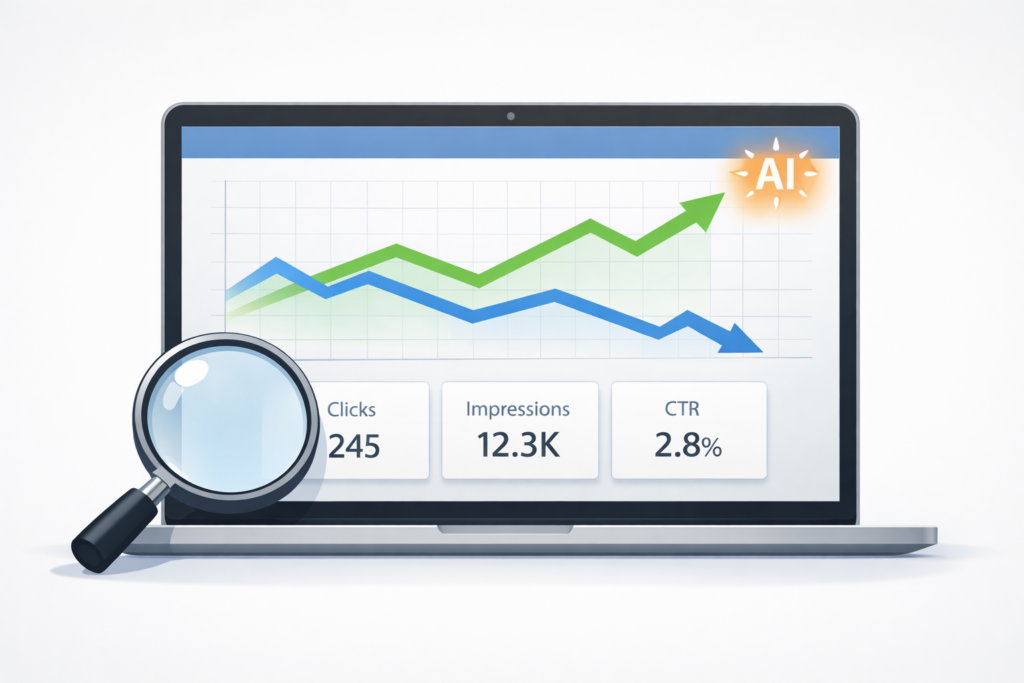
If you want reliable data on how your website is performing in search, including Google’s AI results, there is one free tool that gives you accurate, real-world information: Google Search Console. Set it up, sort the Queries report by impressions, filter out your branded traffic, and start identifying the pages and terms worth prioritizing.
At TJ Digital, Search Console is the first thing we open for every client we work with. I’ve been doing SEO for 17 years, and no rank tracker or analytics platform comes close to what it gives you. It’s the only place you can see the exact queries people typed into Google before your site appeared, which page they landed on, and whether they clicked. Google Analytics can’t show you that. Ahrefs can’t show you that. Search Console can.
If you don’t have it set up yet, do it today. You won’t collect any data until it’s connected.
Table of Contents
ToggleWhat Does Google Search Console Show You?
@tjrobertson52 Your traffic is down but your SEO might actually be working — here’s why impressions matter more than clicks now 👀 #SEO #GoogleSearchConsole #AISearch #GoogleAI
♬ original sound – TJ Robertson – TJ Robertson
Search Console gives you two core metrics for every query your site appears for:
- Clicks: Someone typed a query, saw your site, and clicked on it.
- Impressions: Your site appeared in the results, whether or not anyone clicked.
Historically, impressions were the metric most people ignored. Clicks meant traffic, and traffic meant revenue. That thinking needs to change.
Why Do Impressions Matter More Now?
Since Google rolled out AI Overviews and AI Mode, something consistent is happening across almost every website: clicks are going down and impressions are going up.
Google is now answering more queries directly inside the search results with an AI response. A lot of users get what they need from that response and never click through to a website. So impressions climb while clicks flatten or drop.
If you’re a publisher who depends on ad revenue from page views, that’s a real problem. But if you sell a product or service, the dynamic is different and potentially better.
More and more people are using Google to make purchase decisions. If the AI response is recommending your business, that’s a highly qualified lead who already got a recommendation before ever visiting your site. In many cases, that’s more valuable than a cold click from a traditional result.
I now value impressions about equally with clicks. As Google moves closer to making AI Mode the default search experience, impressions will probably matter even more than clicks.
How to Filter Search Console Data
The key to getting useful insights from Search Console is knowing what to filter out. Google recently added AI-powered filtering, which makes this easier.
Filter out branded traffic first. If someone searches your company name, you should be ranking first regardless of what you’re doing on the SEO side. That traffic tells you nothing about your SEO performance. Remove it so you can see what’s actually happening with non-branded, discovery-based traffic.
Once you strip out branded queries, what’s left is the data that matters: the terms people use when they don’t already know you.
How to Find Your Best Opportunities in Search Console
Open the Queries report. Set the date range to the last three months. Sort by impressions.
What you’re looking at is a list of every search term that triggered your site in Google results, whether or not anyone clicked. These aren’t hypothetical keywords from a research tool. These are real queries, and you’re already showing up for them. That means ranking higher for these terms is a realistic goal, not a guess.
For each relevant query, ask two questions:
- Do I already have a page that directly addresses this topic?
- If yes, is that page actually optimized for this query?
If you have a page covering the topic but the query isn’t in the heading, adding it to an H1 or H2 is often enough to start moving. If you don’t have a page at all for a query that clearly warrants one, add it to your content roadmap.
This is the same process we run at TJ Digital when we start working with an established website. The impressions report consistently turns up pages worth refreshing and gaps worth filling, without needing to guess at keywords.
What Is Query Fan-Out and Why Does It Matter?
One thing to understand about AI search is how these systems actually retrieve information. When a user asks ChatGPT or Google AI Mode a question, the AI doesn’t just run one search. It fans out into multiple sub-queries, sometimes 4 to 12, before composing an answer.
For example, if someone asks “best CRM for small businesses,” ChatGPT might internally run queries like “best CRM software small business 2026 reviews” and “CRM pricing comparison small teams” before responding. Research from Nectiv found that ChatGPT averages about 2.17 searches per prompt, with sub-queries averaging 5 to 6 words long.
This matters for two reasons:
- AI sub-queries are longer and more specific than typical Google searches, which means traditional keyword tools underrepresent them.
- Your impressions data in Search Console will start picking up more of these longer-tail queries as Google’s AI Mode becomes the default experience.
Content that directly answers specific questions, with clear headings, structured formatting, and complete answers, is what both humans and AI systems are increasingly rewarding.
Traditional SEO vs. AI Search SEO: How the Metrics Differ
Traditional SEO success was measured almost entirely by clicks and rankings. That made sense when every search led to a results page and users had to pick a link.
The shift to AI search changes the measurement framework. Here’s how the two compare:
| Metric | Traditional SEO | AI Search SEO |
| Primary goal | Rank for keywords | Be cited as a source |
| Key signal | Click-through rate | Impressions + citations |
| Query type | Short, broad keywords | Long-tail, intent-specific |
| Content goal | Keyword relevance | Factual completeness + authority |
| Success looks like | Page 1 rankings | AI recommends your brand |
Traditional SEO metrics aren’t irrelevant. You need to track both. An increase in impressions alongside flat or declining clicks is not necessarily a failure. It may mean Google’s AI is surfacing your content at the top of the page without requiring a click.
Tools for Tracking AI Search Citations
Google Search Console tells you what’s happening on Google. But if you want to know whether ChatGPT, Perplexity, or other AI platforms are citing your content, you need additional tools.
The one I use and recommend for most clients is Peec.ai. It monitors which sources ChatGPT and other models reference when responding to queries related to your product or service. It shows you not just domains but specific pages: which Reddit threads are being cited, which blog posts, which directories. That tells you exactly where you need to be mentioned or what content you need to build.
Other platforms in this space include Profound, Otterly.ai, and AthenaHQ. Peec.ai is significantly more affordable and, for most small to mid-sized businesses, covers what you actually need.
How to Use This Data Every Month
Once you have both Search Console and an AI visibility tool running, the workflow is simple:
- Monthly Search Console review. Check impressions and clicks for non-branded queries. Flag anything with high impressions but low clicks as a refresh opportunity.
- Track AI citations. Note which pages and external sources AI platforms are pulling from when recommending businesses like yours.
- Identify content gaps. If AI tools are citing a competitor’s page for a topic you cover, that page is a direct target to outperform.
- Refresh before you build. Updating an existing page with better formatting, current data, and a clearer heading structure often outperforms building a new page from scratch.
The businesses showing up in AI results in 2026 are mostly the ones that started building and tracking this content over the past year or two. If you’re not tracking yet, now is a good time to start.
If you want help setting up Search Console tracking or building a content strategy for AI search, reach out to TJ Digital.