
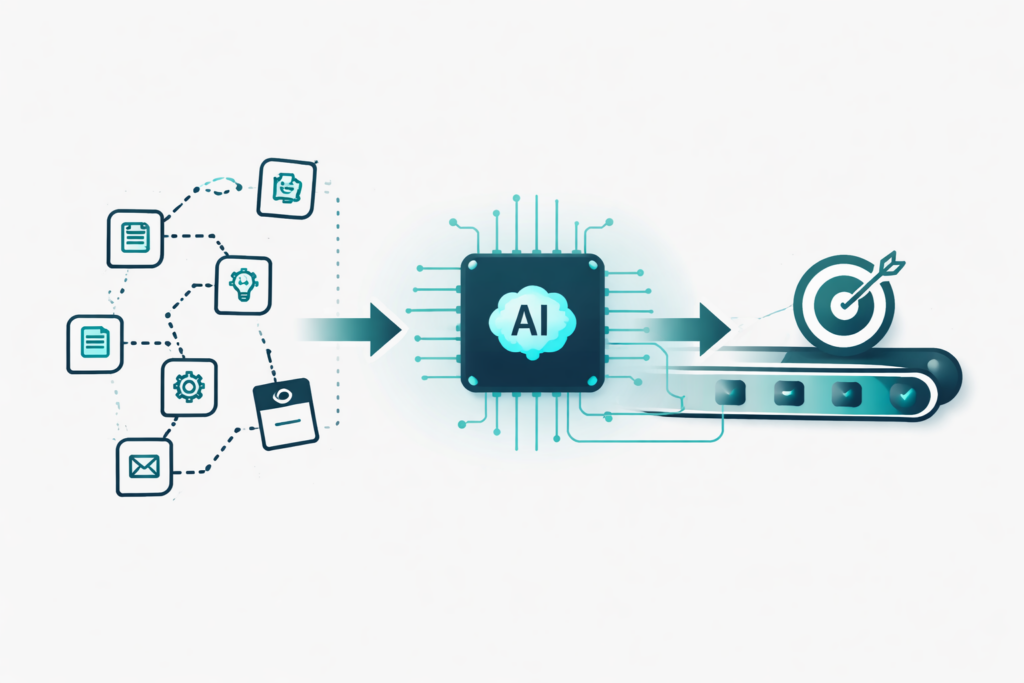
Integrating AI into business workflows requires a fundamental shift in thinking. Instead of looking at your existing processes and asking which individual steps AI could speed up, you need to start from the desired outcome and design entirely new workflows around what AI can do. The companies getting real ROI from AI are the ones rebuilding processes from scratch, not bolting AI onto human checklists.
At TJ Digital, we’ve spent the last six months doing exactly this for our own operations and our clients’ marketing systems. The difference is staggering. Industry data shows that only about 5% of large-scale AI projects reach full production, and the other 95% deliver almost no measurable ROI. The reason is that most companies are automating individual tasks when they should be redesigning entire workflows.
Table of Contents
ToggleWhy Most Businesses Are Underusing AI
@tjrobertson52 AI is changing how brands get recommended. There’s an easy way and a hard way to show up — and right now the easy way is also the most effective. Here’s why Google has a huge edge over ChatGPT 👇 #AISearch #AISEO #GoogleAI DigitalMarketing #SEO #MarketingTips
♬ original sound – TJ Robertson – TJ Robertson
Here’s the pattern I see over and over. A business looks at their current checklist and asks, “Which of these steps could AI handle?” And the answer is usually: not many. Most of the important steps require judgment, context, or trust that these models don’t appear to have.
So AI gets the safe tasks. First drafts that a human still reviews. Lists of ideas that a human still selects from.
The problem is that these models are far more capable than that. If you’re paying attention to how quickly they’re improving and how much skilled practitioners are already doing with them, it’s obvious there’s a huge gap between what AI can do and how we’re actually using it.
Our processes were built for humans. That’s the core issue. The AI models aren’t too limited for our workflows. Our workflows were never designed with AI in mind.
How to Redesign a Process from First Principles
I would challenge you to pick one process in your organization. Not a single task. An entire process. Scrap the existing checklist and think through what it would look like if AI handled this from start to finish.
Start with the goal. What outcome is this process supposed to produce? If routine analysis and decisions were essentially free, how would you redesign things?
Here’s the mental model: think of AI as one of the most talented members of your team, but talented in a thousand different ways with the ability to be multiplied a thousand times. You wouldn’t hand that person a checklist and say “follow this.” You’d start from first principles, figure out what you’re trying to achieve, and build a process around their strengths.
When you first try this exercise, your instinct will be to say, “No, I need a human for that step.” But force yourself to ask why. Usually it comes down to one of three things:
- The AI doesn’t have the right context or memory. Systems that handle this already exist, and within a few months, persistent memory will be a standard feature in all top AI models. Techniques like retrieval-augmented generation (RAG) connect AI to your actual business data, grounding its responses in real documents rather than guesses.
- A specific step requires expert judgment. Have the expert on your team write out their entire decision framework. Every rule, every heuristic, every “if this, then that.” It might take half a day to document a single decision, but you only have to do it once. That framework becomes the AI’s playbook.
- The step requires using specific software. AI can already operate most popular software through APIs and native integrations. Enterprise AI agents can fetch data, update records, submit requests, and initiate workflows across systems. If your software can’t be used by AI within the next few years, it will be obsolete.
How to Build an Expert Decision Framework for AI
This is the step most businesses skip, and it’s the one that matters most.
Traditional expert systems in AI use a knowledge base of facts and rules combined with an inference engine that applies those rules to data. The same principle works today with modern AI models. You interview the expert, document how they make decisions, and encode those criteria into a framework the AI can follow.
Here’s what that looks like in practice:
- Gather the rules. An underwriter might use “if income is below X and credit score is above Y, approve the loan.” A project manager might use “if the client hasn’t responded in 48 hours, escalate to the account lead.” Document these explicitly.
- Build the knowledge base. Store the relevant facts: product specs, compliance regulations, pricing tiers, whatever the decision requires. This can be as simple as a structured document with IF-THEN decision rules.
- Give the framework to the AI. Use structured prompts, a context engineering approach, or fine-tuning so the AI follows the documented rules. The AI doesn’t need to invent judgment. It needs to apply the judgment your experts already have.
- Keep it auditable. The framework should be explicit enough that you can trace any AI decision back to the rule that triggered it. If the AI declines a vendor application, you should be able to see which rule led to that decision.
Banks, insurers, and manufacturers are already using this approach to automate underwriting, maintenance planning, and wealth advisory processes end to end. HBR profiled three companies replicating expert judgment with AI in late 2024, and the results consistently showed faster decisions with fewer errors than manual review.
Task Automation vs. Process Redesign
| Task Automation | Process Redesign | |
| Approach | Identify individual steps AI can speed up | Rebuild the entire workflow around AI’s capabilities |
| Typical use | Drafting emails, summarizing documents, brainstorming | End-to-end claims processing, content production, customer onboarding |
| ROI | Incremental efficiency gains | 10x or greater improvement in output and cost |
| Scalability | Limited to the tasks you’ve identified | AI-powered process can be replicated across departments at near-zero marginal cost |
| Risk | Low, but also low reward | Higher upfront investment, but durable competitive advantage |
| Who benefits | Individual employees save minutes per day | The entire organization operates differently |
Using AI only for entry-level tasks like drafting and brainstorming is like hiring senior talent and giving them intern work. You waste the technology’s potential and never see real ROI. Deloitte’s 2026 State of AI report found that while many firms report efficiency boosts from AI, only about a third are reinventing core processes or products. The companies doing both are pulling ahead.
Where You Still Need Humans
I’m not saying you can replace all the humans in your company. As you go through this process, you’ll find the places where humans are still essential, and you should double down in those areas.
The places where humans remain indispensable:
- High-stakes decisions with ambiguous goals. When conflicting stakeholder interests or ethical considerations are involved, you need nuanced human judgment. Harvard Business School research shows that AI still cannot reliably distinguish good ideas from mediocre ones or make long-term strategic calls on its own.
- Relationship-driven work. Sales conversations, negotiations, mentoring, team leadership. AI can prepare the data and suggestions. The human handles the trust.
- Creative and innovative thinking. AI generates options. Humans evaluate feasibility, novelty, and fit. The inspiration still comes from people.
- Exception handling. When AI encounters a situation outside its framework, a human needs to step in. Any decision with serious consequences should have human oversight.
The goal is to free humans from repetitive work so they can focus on these areas. If your people are no longer spending time on tasks AI can handle, they can get really good at the things AI can’t.
How to Give AI the Context for Complex Workflows
Most AI models have a limited context window and no built-in long-term memory. To handle multi-step business processes, you need to supply that context externally.
Here’s what works:
- RAG (retrieval-augmented generation). Connect the AI to your enterprise knowledge base. Before it generates a response, the system retrieves relevant documents from your CRM, manuals, or databases and feeds them into the prompt. This grounds the AI in your actual data and dramatically reduces hallucination.
- Knowledge graphs. For complex relational information like client histories or system dependencies, a structured graph preserves relationships between entities that flat text can’t capture.
- Memory and summarization. Long processes can exceed the model’s context window. Summarizing past interactions and storing them as concise notes keeps the essentials in context. JetBrains published research in late 2025 showing that unmanaged agent context quickly becomes noise, so smart systems use AI-driven summarization or aging out of old details.
- API connections. Connect the AI to real-time data feeds. An order-processing agent can call your ERP’s API for live inventory levels instead of relying on stale information.
Think of the AI model as a reasoning core on top of persistent data stores. The reasoning is powerful, but only as good as the information it can access.
Hiring More People vs. Investing in AI Redesign
When you’re deciding between hiring and AI investment, consider scalability. Hiring scales linearly: one new employee equals one more unit of capacity. An AI-augmented process can be replicated nearly infinitely without equivalent headcount costs.
A BCG study on agentic AI found that automating with AI reduced employees’ low-value work by 25-40% and allowed processes to run 24/7 without additional staff. Once you develop the right AI-powered workflow, you can multiply that solution across departments or regions at very low marginal cost.
AI requires upfront investment in technology, data, and training. But the leverage is incomparable. Each new hire adds a fixed amount of capacity. A validated AI workflow can be replicated a thousand times over at minimal extra cost.
How to Start Preparing Now
The companies that build AI-first processes in the next one to two years will have a durable advantage. Those that wait risk finding themselves locked into outdated workflows that can’t be easily unwound.
Here’s what I’d recommend:
- Pick one process. Choose a high-volume, repeatable workflow. Not a task. A process.
- Redesign it from scratch. Assume AI handles everything. Identify the specific barriers (context, judgment, software access) and solve each one.
- Build the expert frameworks. Document how your best people make decisions. Turn that into structured guidance the AI can follow.
- Make your software AI-accessible. Prioritize tools with open APIs. If a critical system has no integration path, it’s a bottleneck.
- Balance quick wins with transformation. Run pilot projects for fast ROI while planning end-to-end redesigns of your most important functions.
Capgemini’s 2026 analysis of AI readiness found that early adopters build cumulative advantages through stronger data foundations, refined models, and experienced teams that late adopters will struggle to replicate.
Over the next one to two years, I’m confident we’re going to see a massive gap open up between companies that keep replacing individual tasks with AI and those that redesign their processes from first principles. Don’t be the company that hands its most capable technology a broom.
FAQ
How long does it take to redesign a business process for AI?
It depends on the complexity. A simple content production workflow might take a few weeks. An end-to-end claims processing or customer onboarding system could take a few months. The key is starting with one process, getting it right, and then expanding.
Can small businesses afford to redesign processes around AI?
Yes. Small businesses actually have an advantage here because they can move faster than large organizations. You don’t need enterprise-grade infrastructure to start. Tools like Claude Projects and Custom GPTs let you build sophisticated AI workflows without writing code. The upfront time investment is real, but the ongoing cost is minimal.
What if my team resists switching to AI-driven workflows?
Involve them in the redesign. The best ideas for where AI can help often come from the people doing the work every day. Frame it as freeing them from the tedious parts of their job so they can focus on work that requires their expertise.
Is it risky to give AI decision-making authority in business processes?
It can be, which is why expert decision frameworks and human oversight matter. Start with decisions that have clear rules and low stakes. As the system proves reliable, expand its authority. Keep the framework auditable so you can trace every decision.
Ready to figure out where AI-driven process redesign fits into your business? Contact TJ Digital for a free digital marketing audit. We’ll walk through your current workflows and show you where the biggest opportunities are.