
AI prompting changed in three ways over the past six months. If you are still prompting the way you did in 2025, you are leaving a lot of quality on the table.
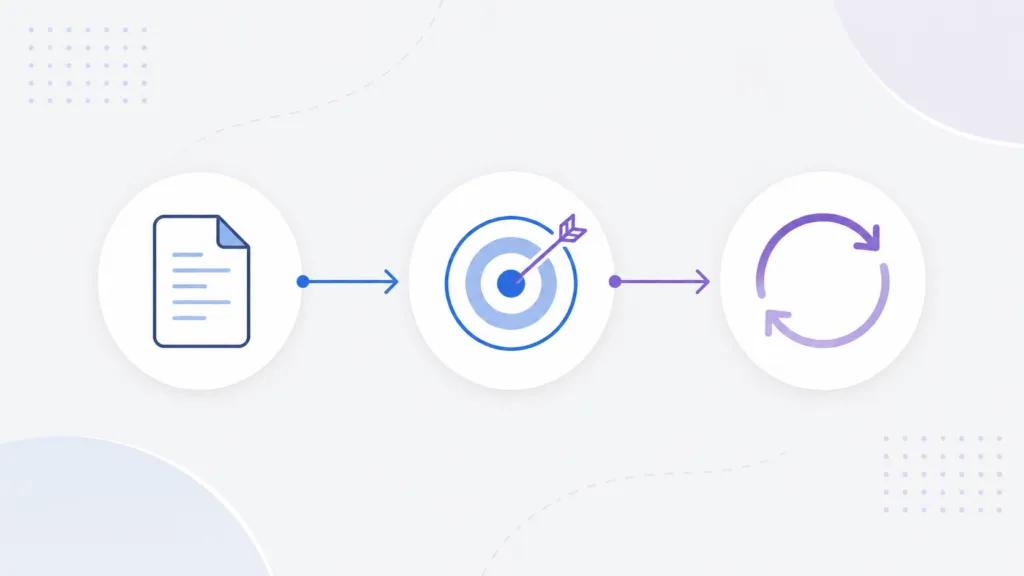
Here are the three shifts at a glance:
- Skills replace one-off prompt templates. You build a reusable instruction file once and share it with your team.
- Goal-based briefs replace step-by-step instructions. You tell the model what success looks like and let it plan the work.
- Loops replace manual prompting. You write a specification and let the model run against it until the job is done.
At TJ Digital, we run these models across every part of our content and SEO work. That is how we deliver about four times the work at the same rates as a traditional agency. The sections below break down each shift, from the simplest to the most advanced.
Table of Contents
ToggleWhy Skills Are Replacing Prompt Templates
The first change is the move from prompt templates to skills. A skill is a formalized prompt template that you write once and reuse. It can live inside Claude, inside Codex, or in a GitHub repo, and you share it with your team the way you share any other file.
Both Claude and Codex now support skills as a native concept, and the format is documented in Anthropic’s documentation.
@tjrobertson52 how to prompt AI models in 2026: skills > templates, goals > rigid steps, loops for the big stuff #Claude #AI #PromptTips
♬ original sound – TJ Robertson – TJ Robertson
What Is an AI Skill?
A skill is a folder of instructions, context, and sometimes scripts that the AI loads only when the task matches. You point the model at the skill, and it brings the role, the rules, and the output format with it. That gives you consistency across every team member and every run, and it saves you from rebuilding the same context in every chat.
We treat our skills as living documents. A good skill rarely needs a rewrite when a new model ships, because it describes the goal and lets the model handle the steps.
Why Goals Work Better Than Step-by-Step Prompts
The second change is how you write the instructions inside those skills. Write them the way you would brief a senior member of your team. Describe the goal, define what success looks like, and give the model all the context it needs to get there.
Rigid step-by-step instructions used to help weaker models. With current models, those fixed steps usually hold them back, because the model often has a better plan than the one you would script. As long as the goal is clear, you are better off letting it choose the path.
The smarter the models get, the more true this becomes. I wrote a full breakdown of this shift in a separate piece on prompting newer AI models, including how to write a clear definition of success.
When to Use Loops for Big Projects
The third change is the most advanced, and it applies to big, complex projects. For this kind of work, you write a loop. This comes up when you are building software, building a website, or running a long analysis that the model will work on for hours or even days.
The old back and forth is slow. You prompt, wait for the output, check it, then prompt again, which burns most of your time.
A better approach is to write a robust specification document, and Claude can help you build it. Then in Claude Code, ask Claude to run a loop against that spec with the /loop command.
The model keeps prompting itself until the specification is met, and it can run for many hours straight. Codex has the same feature.
This is closer to managing an employee than typing prompts. You define the job and the standard, then let the system work, which is the same pattern behind the rise of AI agents at work.
Prompt Templates vs Skills vs Loops
Here is how the three approaches compare:
| Approach | What it is | Best for | When to use it |
| Prompt template | A saved set of instructions you paste in | One-off, simple tasks | Quick, repeatable single outputs |
| Skill | A reusable instruction file the AI loads on demand | Recurring tasks that need consistency | Any task your team runs more than once |
| Loop | A spec the AI runs against until the goal is met | Large, multi-stage projects | Work that takes hours or days |
Common Questions About AI Skills and Loops
Where do AI skills live?
Skills can live inside Claude, inside Codex, or in a GitHub repository. The location matters less than keeping one shared version that your whole team uses.
How long can a Claude Code loop run?
A loop can run for many hours straight, and on a large project it can keep working across a much longer span. It continues prompting itself until the specification you wrote is met.
Do AI skills need to be rewritten for every new model?
Usually not. A skill that describes the goal and lets the model handle the steps tends to keep working as models improve, which is the main reason we build them this way.
How to Get More From the AI Tools You Already Pay For
These three shifts are the foundation of how we run AI at TJ Digital. We build the skills and loops for clients so the gains show up on the work their team already produces. Contact us to get a free audit of your current setup, and we will show you where to start.