
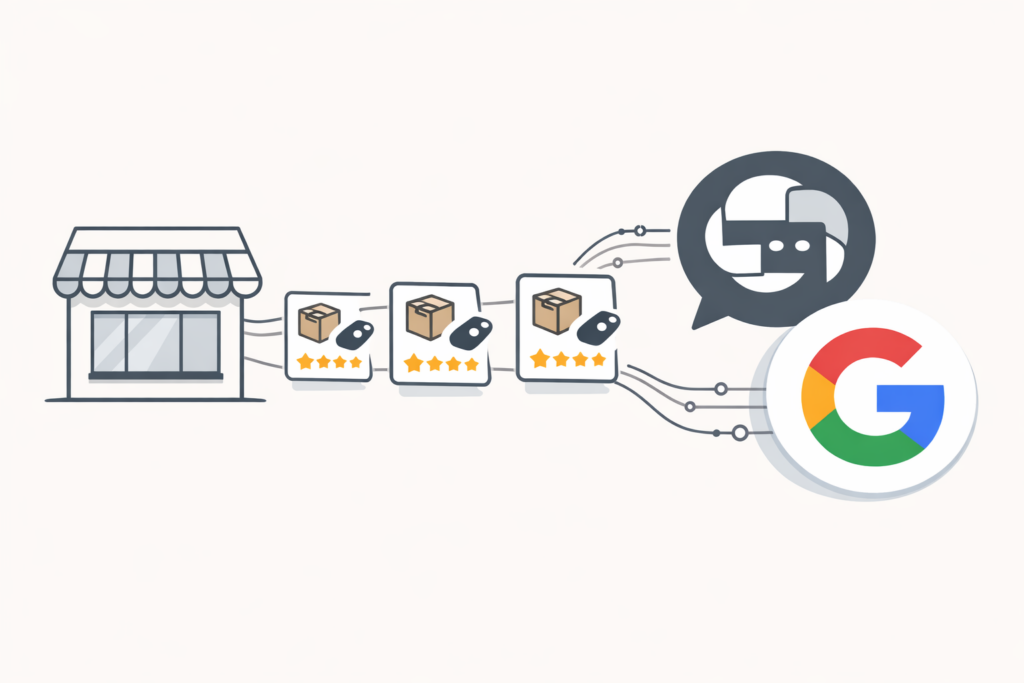
If you’re an e-commerce business, your product feed needs to be available to ChatGPT and Gemini. Both OpenAI and Google are pushing agentic commerce hard in 2026. By the end of the year, buying products directly through these platforms will be common.
At TJ Digital, we work with e-commerce brands to optimize for AI platforms, and right now we estimate fewer than 2% of small and medium-sized businesses are doing any of this. That means the window of opportunity is wide open, but it won’t be for long. Here are the three things you need to do now.
Table of Contents
Toggle1. Sign Up for the ChatGPT Merchant Program and Google Merchant Center
@tjrobertson52 People will be buying products directly from ChatGPT by end of 2026. Is your product feed ready? 3 things you need to do NOW 👆 From Kevin Indig’s Growth Memo Newsletter #ecommerce #aisearch #chatgpt
♬ original sound – TJ Robertson – TJ Robertson
Start by registering with both platforms.
ChatGPT Merchant Program
Go to chatgpt.com/merchants and fill out the application. There’s no fee to join. Merchants pay a small transaction fee on each sale instead.
If you sell on Shopify or Etsy, your store is already auto-enrolled in ChatGPT’s commerce ecosystem. You don’t need to apply separately. Everyone else, including WooCommerce and BigCommerce merchants, will need to submit the form.
The program is currently U.S.-only, but OpenAI has said global expansion is planned.
Google Merchant Center
If you’re not already using Google Merchant Center, sign up now. Google’s AI shopping features in AI Mode and Gemini pull product data directly from Merchant Center. It’s the same feed you’d use for Google Shopping Ads, but it now also powers AI-driven results.
Google recently added a native_commerce flag in Merchant Center. Products marked native_commerce = true display a “Buy” button in Google AI Mode and Gemini. This lets users purchase without leaving the platform.
Submitting Your Feed
Your product feed can be a JSON file, an XML file, a Google Sheet, or a direct integration with your e-commerce platform. Submit it to both ChatGPT and Google Merchant Center.
2. Add Structured Data to Every Product Page
This is where most e-commerce businesses fall short. You need detailed, accurate product data in three places:
- On the product page itself (visible to users)
- In schema.org/Product markup (readable by AI crawlers)
- In the product feed you upload to ChatGPT and Google Merchant Center
All three need to match. If your schema says a product costs $49.99 but your feed says $54.99, you’re going to have problems with AI trust signals.
What Schema Fields Does ChatGPT Need?
At minimum, every product page should have a JSON-LD block with these fields:
| Field | What It Is | Example |
| name | Descriptive product title | “Men’s Waterproof Hiking Boot, Vibram Sole, Size 8-14” |
| sku | Your internal identifier | “HB-MEN-WP-001” |
| gtin / upc | Universal product identifier | “012345678901” |
| brand | Brand name | “TrailMaster” |
| description | Detailed product description | Full specs, use cases, materials |
| image | URL to main product image | “https://example.com/images/boot.jpg” |
| price | Current price | “129.99” |
| priceCurrency | Currency code | “USD” |
| availability | Stock status | “InStock” or “OutOfStock” |
| url | Link to buy | “https://example.com/hiking-boot” |
Beyond the basics, you’ll also want to include ratings, reviews, color, size, material, shipping details, and return policy fields. These build trust signals that influence whether an AI recommends your product over a competitor’s.
The full list of available fields is on schema.org.
The key principle: the more data you include, the better. These AI systems match products to natural language queries. When someone asks ChatGPT for “waterproof hiking boots under $150 with good ankle support,” the product with the most complete data wins.
How Should I Write Product Descriptions for AI?
Based on what we’ve seen so far, ChatGPT’s product search is much less sophisticated than Google’s traditional search rankings. The products it recommends are heavily influenced by the information you provide: titles, descriptions, and reviews.
Write descriptions like answers to real customer questions. Not dry spec sheets.
Compare these two approaches:
- Flat label: “Men’s steel-toe boots”
- Conversational intent: “Durable steel-toe work boots designed for standing all day on concrete floors”
The second version matches how people actually ask for product recommendations. Include context like “for office use,” “suitable for small apartments,” or “great for sensitive skin.”
Max out your title and description fields. Every character is another chance to match the phrasing a shopper will use. Some are calling this Generative Engine Optimization (GEO). Whatever you call it, it works.
Also make sure you’re driving reviews to your most important products. Reviews appear to be a significant factor in AI product recommendations.
3. Implement the Agentic Commerce Protocol and Universal Commerce Protocol
These are protocols released by OpenAI and Google that allow people to buy your products directly from ChatGPT and Gemini. If you’re selling on Shopify, they’ll take care of most of this for you automatically.
How Does ACP Work on Shopify?
The Agentic Commerce Protocol (ACP) was developed by OpenAI with Stripe. When a user clicks “Buy” in ChatGPT, ACP handles the payment through a one-click checkout. The transaction completes without the user ever leaving the chat.
For U.S. Shopify merchants, ACP support is automatically enabled. No custom coding required. Just make sure you’re using Shopify Payments or Stripe and that your product metadata is complete.
How Does ACP Work on WooCommerce?
Official ACP support for WooCommerce is in development. In the meantime, third-party plugins like ChatGPT Product Feed & ACP by Ovena can connect your store to Stripe for ACP payments.
Make sure you’re using WooPayments or Stripe now. That way you’re ready when native support arrives.
What Is Google’s Universal Commerce Protocol (UCP)?
Google’s Universal Commerce Protocol covers more ground than ACP. Where ACP handles just the checkout, UCP covers the entire shopping journey: product discovery, pricing, cart management, checkout, fulfillment, and post-sale.
UCP works through your existing Google Merchant Center feed. The main action item right now is enabling the native_commerce flag on your product listings. That’s what triggers the “Buy” button in Google AI Mode and Gemini.
One thing worth noting about UCP: it’s designed to keep the merchant in control. You remain the “owner of record” for every transaction. ACP is more agent-led, meaning ChatGPT handles more of the process on your behalf.
ACP vs. UCP at a Glance
| ACP (OpenAI) | UCP (Google) | |
| Platform | ChatGPT | Google AI Mode, Gemini |
| Scope | Checkout only | Full shopping journey |
| Payment | Stripe | Any payment provider |
| Multi-item cart | Not yet (single-item only) | Built into the spec |
| Merchant control | Agent-led | Merchant is owner of record |
| Shopify | Auto-enabled | Via Merchant Center |
| WooCommerce | In development | In development |
Can Customers Buy Multiple Products at Once?
Not yet. As of early 2026, both platforms are limited to single-item purchases. ChatGPT’s Instant Checkout supports one product per order. Google’s initial “Buy” button pilots work the same way.
This is temporary. OpenAI has confirmed multi-item carts are on the roadmap. Google’s UCP already supports multi-item flows in its specification. Expect full cart support from both platforms later this year.
If you’re building or updating your checkout system, keep this in mind. Make sure your checkout can handle cart updates from external sources so you’re ready when these features go live.
Why Should E-Commerce Businesses Act Now?
I think most e-commerce businesses are going to wait until agentic commerce is more established before they invest in it. That’s what happened with AI optimization for service businesses too. When we started doing AI optimization for our clients, the competition was almost nonexistent. The businesses that started early built an advantage that compounds over time.
Right now, we’re in the same window for e-commerce. The businesses that get their product feeds, structured data, and commerce protocols set up first will have a head start that’s hard to catch.
And from what we’ve seen, these AI shopping systems are still relatively simple. The products that get recommended are largely determined by the data you provide. If your product data is more complete than your competitor’s, you win. That won’t always be the case, but it is right now.
Getting Started: A Quick Checklist
- Register at chatgpt.com/merchants and Google Merchant Center
- Submit your product feed to both platforms (JSON, XML, Google Sheet, or direct integration)
- Add complete schema.org/Product markup to every product page
- Match your on-page data to your feed data
- Write product descriptions that answer real customer questions
- Enable the native_commerce flag in Google Merchant Center
- Confirm you’re on Shopify Payments or Stripe for ACP
- If on WooCommerce, install an ACP plugin and watch for native support
- Drive reviews to your most important products
Need help getting your store ready for AI shopping? Contact TJ Digital for a free digital marketing audit that includes agentic commerce recommendations. No credit card required.